
By Wes Byrne, VP of Technology
A Preview button is now available in the Report Editor. This new feature makes it easier to see how accounts, columns and data will flow into a PDF report without changing your report template.
The new button essentially does the same thing as the Refresh button but with one major difference: It opens and shows you a view of the report (with synced data) in a separate browser tab instead of overwriting the report you are working on within the Report Editor.
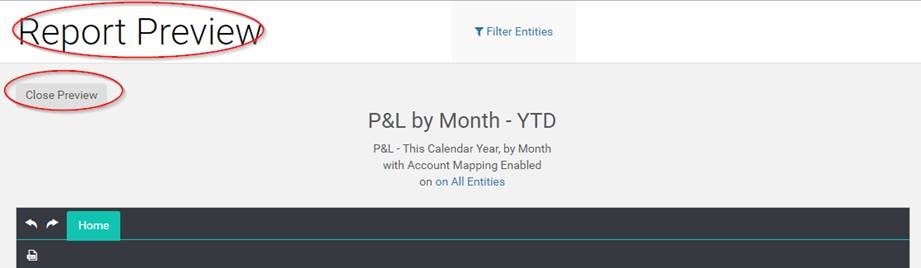
The most common workflow for using the Preview button is as follows:
- Load a report template into the Report Editor from the Report Library
- Make your changes to the report template, if any
- Save those changes with the Save button
- Click Preview to see what effect those changes have on the report when it’s updated with synced data from the database
- Click Close Preview to close the Preview tab
- Make any additional changes needed based upon what you saw in your Preview
- Save and Preview again, until you have the preview report looking like you need it
The new Preview workflow is cleaner, faster, and takes less time than using the Refresh button which made you open the report again from the Report Library to continue editing.